Review Requests allow providers and medical directors to review submitted intake forms, add notes, and collaborate before a client’s visit.
How Review Requests Work
1. Multiple Reviews
Providers can add multiple reviews to the same intake form.
Each review can be assigned to specific staff members.
2. Send Review Requests
Once a form is submitted, staff can send it to other team members who need to sign off or review the information.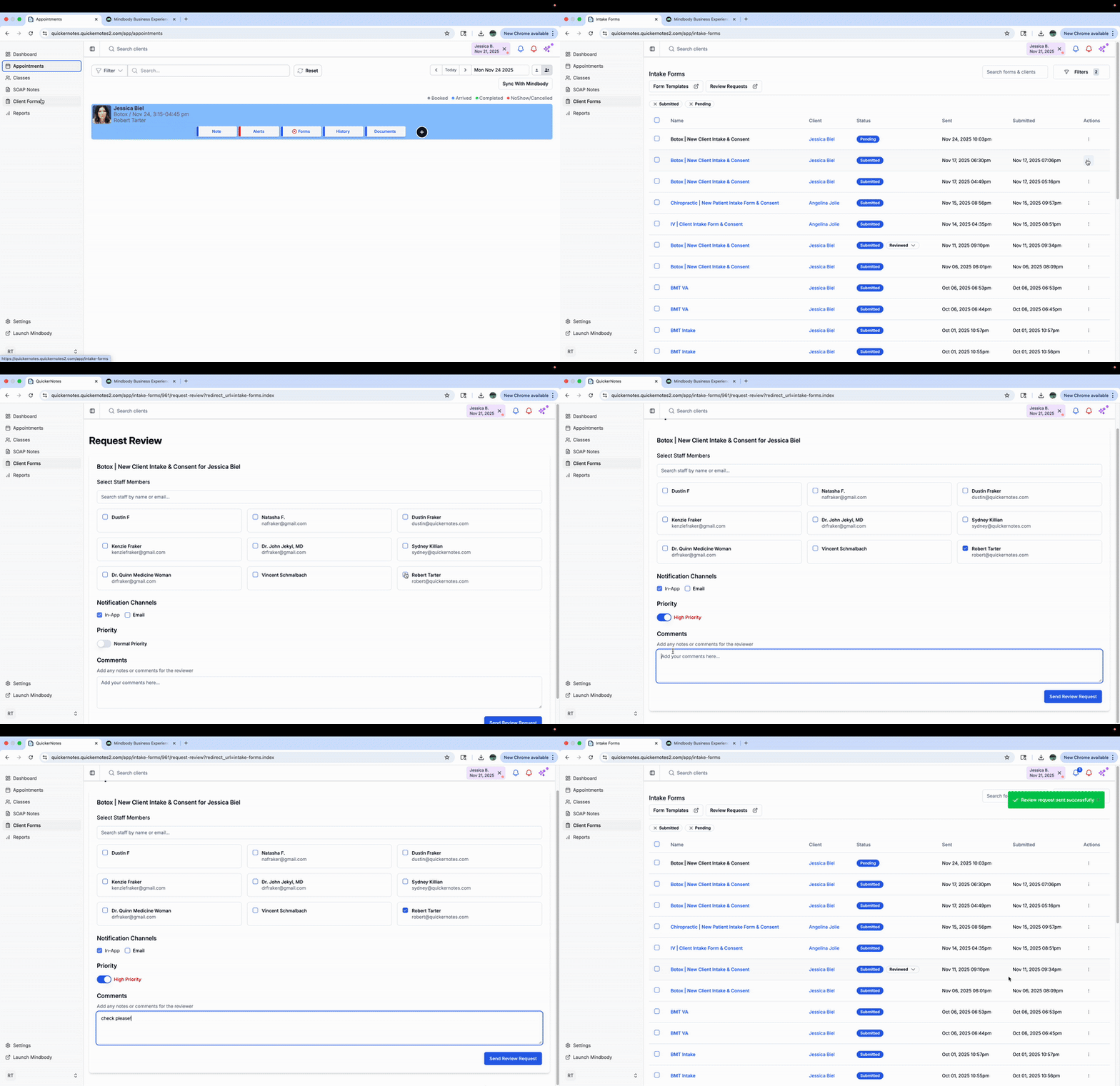
3. Add Notes to a Review
Reviewers can append notes, which are saved with their name and signature.
Notes cannot be edited after submission.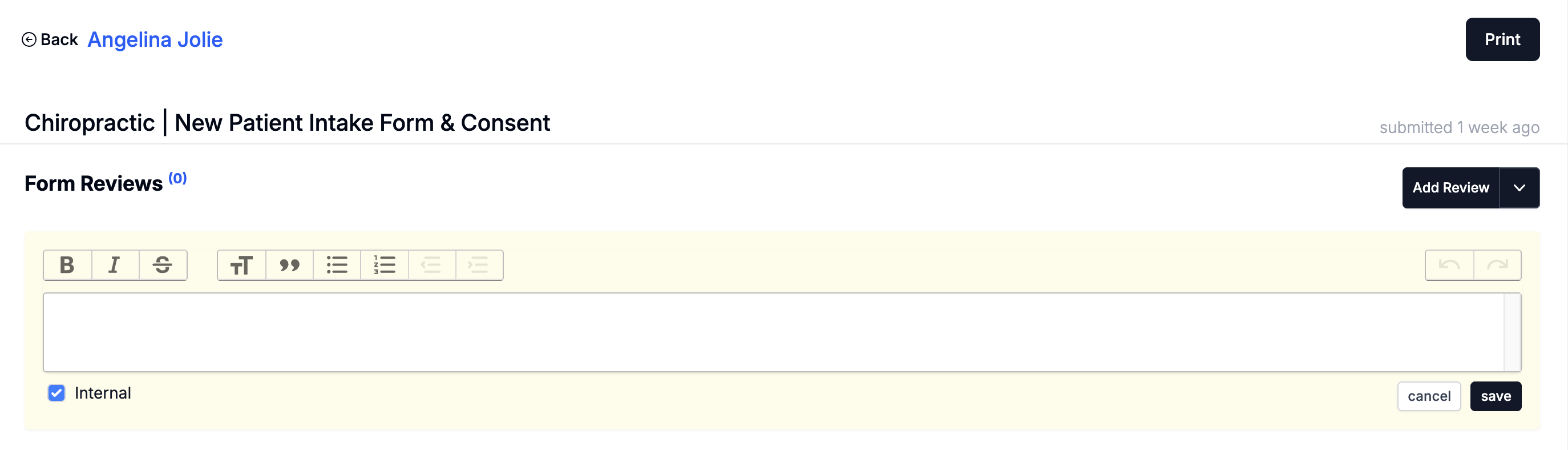
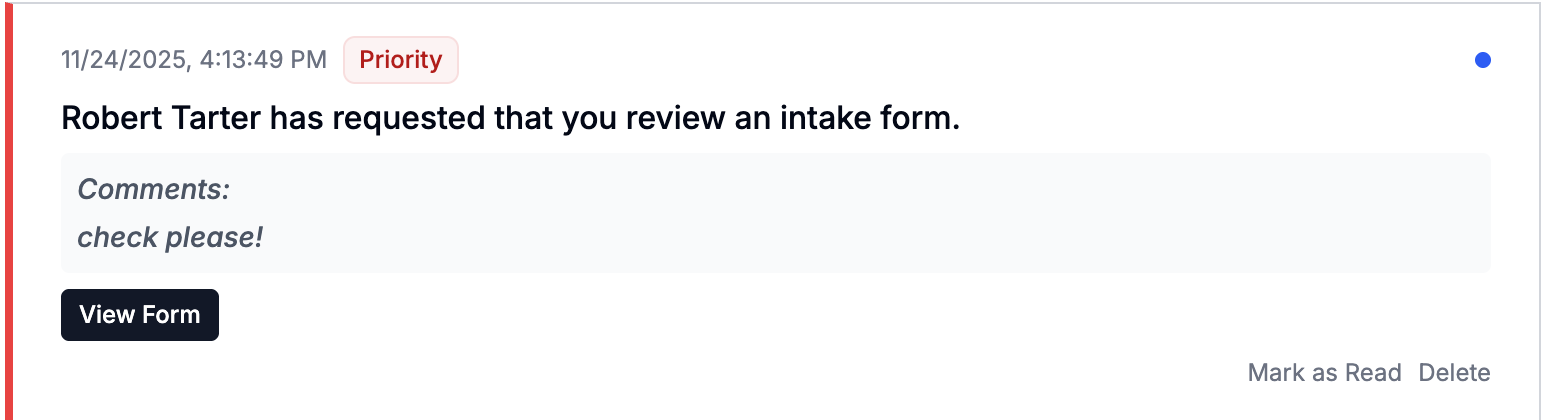
4. Track Pending Reviews
You can track all pending and completed review requests in two places:
Go to Client Forms → Review Requests, or
Click the blue bell notification icon in the top-right corner of QuickerNotes
Both will show outstanding reviews that require attention.
Was this article helpful?
That’s Great!
Thank you for your feedback
Sorry! We couldn't be helpful
Thank you for your feedback
Feedback sent
We appreciate your effort and will try to fix the article